

Your rep finishes a call. They open the CRM and type three lines from memory. The objection the prospect raised doesn’t make it in. Neither does the follow-up date. The right AI call summary features fix this automatically. Salesforce’s State of Sales (2024) found that reps spend 70% of their time on non-selling tasks. Manual note-taking sits in that 70%. See how Runo’s AI call summaries handle this.
Each feature below is assessed on one question: does it reduce manual work and improve what goes into the CRM after every call?
What Are the Key AI Call Summary Features to Look For?
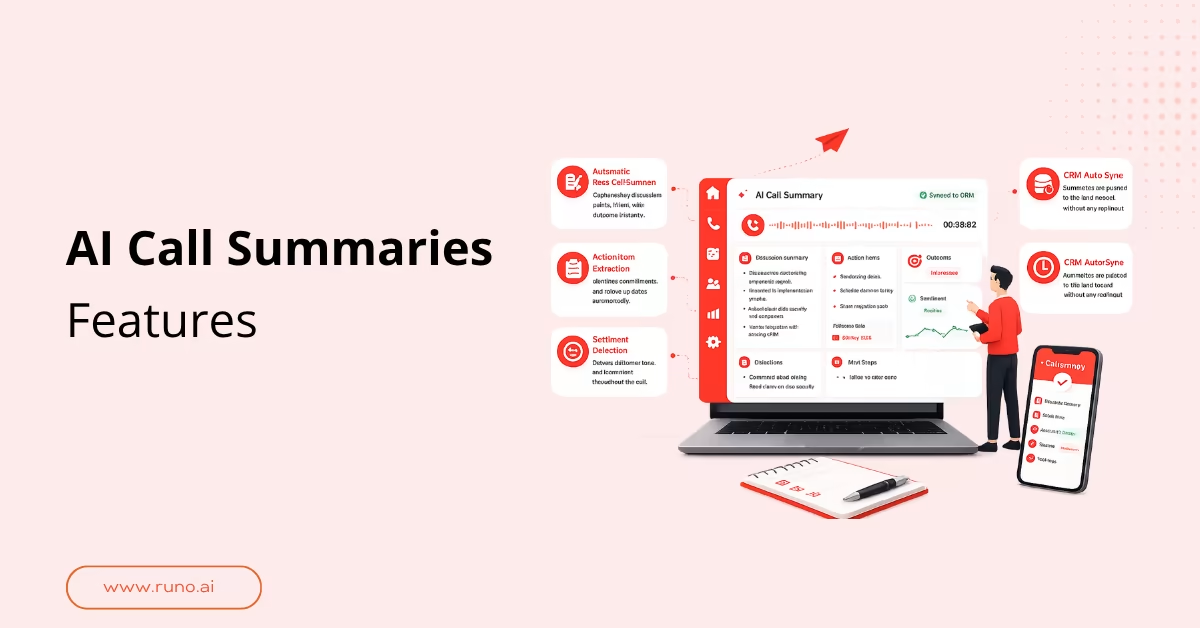
The key AI call summary features to look for:
- Automatic post-call summary: discussion points, intent, outcome
- Action item extraction: commitments and follow-up dates
- Sentiment detection: customer tone at each point in the call
- CRM auto-sync: summary pushed to lead record without rep input
- Structured output: outcome, objections, and next steps separated
Key Takeaways
- AI call summary features deliver the most value when built into your calling workflow, not added as a separate tool
- Poor audio quality is the single biggest cause of inaccurate AI call summaries , regardless of which model powers the tool
- Look beyond transcription when evaluating features of AI call summary software . The best ones capture objections, tag buying signals, and extract next steps
- Teams using SIM-based calling get cleaner audio input, which means more accurate transcripts and more reliable AI call summary tool features
- When deciding what to look for in AI call summary software , prioritize CRM sync speed, summary structure, and coaching integration
What Should AI Call Summary Features Actually Do?
AI call summary features should turn every call into a record your team can act on without replaying the recording. Most teams choose their sales call recording software carefully and pick a summary tool almost as an afterthought. The recording is what the AI works from.
| Evaluation check | What to ask the vendor | Red flag |
| Summary generation | Is it automatic after every call or does the rep trigger it manually? | Rep has to initiate the summary |
| Action item capture | Does it extract specific dates and owners from the conversation? | Generic to-do list with no names or dates |
| Sentiment scoring | Is sentiment tracked per turn or just as an overall call rating? | One positive or negative tag for the whole call |
| CRM sync | Does the summary push to the lead record automatically? | Summary lives in a separate dashboard outside the CRM |
| Review speed | Can a manager read and act on it in under 60 seconds? | Dense unstructured text requiring a full scroll |
Which AI Call Summary Tool Features Separate Good from Great?
The features of AI call summary software that separate good from great are accuracy under real call conditions, CRM sync reliability at volume, coaching integration, summary depth, and turnaround speed. These don’t show up in a demo. They appear after weeks of real calls, when a summary misses a key objection or the CRM stops syncing under pressure.
| Dimension | Must-have | Good-to-great |
|---|---|---|
| Accuracy | Clean transcription with speaker separation | Noise filtering, accent handling, domain vocabulary |
| Summary depth | Outcome and next steps captured | Objections flagged, buying signals tagged |
| CRM sync | Auto-push after every call | Two-way sync with HubSpot, Salesforce, or Zoho |
| Coaching integration | Managers can review summaries by rep | Summaries tied to call scores and sentiment per call |
| Speed | Summary ready within minutes | Available before the rep dials the next lead |
| Security and compliance | Call data encrypted at rest and in transit | GDPR-compliant, with clear data retention and deletion policy |
A call transcription app built natively into your calling platform will almost always outperform one bolted on as a third-party integration.
Why Your Calling Infrastructure Affects AI Call Summary Tool Features
Most guides on what to look for in AI call summary software start at the AI layer. They skip what happens before it. Every summary tool runs the same pipeline: audio goes in, a transcript comes out, and the summary follows. VoIP calls drop packets when the network is patchy.
- Transcription: Fragmented VoIP audio leaves gaps in the transcript. SIM-based calling routes through the standard mobile network, so audio arrives intact regardless of internet conditions.
- NLP analysis: The AI can only identify what’s in the transcript. Gaps and errors produce summaries that miss objections or misattribute what the customer said.
- CRM data: An inaccurate summary in your CRM starts a chain of bad follow-ups. The rep’s next call is built on what the AI got wrong today.
- Coaching: When managers coach from inaccurate summaries, they focus on the wrong moments. Reliable coaching data starts with clean audio.
GoTranscript’s 2026 accuracy benchmarks put AI call summaries accuracy at 95-98% on clean audio. On real-world calls with noise, accents, or overlapping speakers, that number falls sharply. For outbound teams in India, SIM-based calling is what clean conditions actually mean in practice. This comparison of AI transcription vs manual notes shows where the gap hits hardest at high call volume.
Runo: AI Call Summaries Built for High-Volume Sales Teams
Runo is a SIM-based Call Management CRM trusted by 3,500+ businesses across India, including teams at Shiprocket, Kotak Securities, and Vedantu. It’s GDPR-compliant, ISO 27001-certified, and won the Global Indian MSME of the Year Award in the Sales Tech category. Every call is automatically recorded, transcribed, and summarized the moment it ends, with zero manual input. SIM-based calling delivers a 2.3x higher connect ratio than cloud telephony, giving the AI cleaner audio to work from on every single call. Start your 10-day free trial, no credit card required.
The AI call summary software you pick is only as good as the audio it receives and the CRM it feeds. If the tool runs on VoIP and your calls drop on patchy networks, the summaries reflect that. Before committing to any tool, explore Runo’s call management app and see how it fits your calling workflow. Is the platform you’re evaluating built on the same infrastructure your calls actually run on?
Start Using Runo’s AI Call Summary Today
Runo gives your team structured, AI-generated summaries after every call, with zero manual input from your reps. Talk to the Runo team and see how it fits your sales workflow.
FAQs
What are the key features of AI call summary software?
The core features of AI call summary software are post-call summary generation, action item extraction, sentiment detection, CRM auto-sync, and structured output. Look for filters by rep, outcome, or date too. That’s what lets a manager spot patterns across the team without opening a single recording.
What causes AI call summary accuracy to drop?
The most overlooked cause is domain vocabulary. A generic AI call summary model is trained on broad conversational data. It hasn’t learned the specific product names, objection phrases, or industry terms your reps use every day. That’s why summaries sometimes misattribute what a prospect said or miss the exact moment a deal moved forward.
How do I check whether an AI call summary tool supports SIM-based calls?
Ask the vendor whether summaries generate from SIM recordings, not just internet-based calls. Most tools offering AI call summary tool features are VoIP-only by default. If a vendor can’t confirm SIM compatibility, test on your actual setup before committing. That’s the only reliable check.
Can AI call summary features replace manual CRM updates?
For outcome, next steps, action items, and follow-up date, yes. AI call summary features push that data to the CRM automatically. What still needs a human: personal context the rep picked up during the call that the AI wouldn’t flag as a data point. See how Runo handles this in practice.
What should a small sales team look for in AI call summary software?
Small teams should prioritize AI call summary software with a free trial long enough to test on real calls, not demo recordings. Ten days minimum. Run it on your actual call setup, with your reps, on your network. That’s the only way to know if the accuracy holds before you commit to a paid plan.